
Java Plugins
As of 2018, no browsers support Java applets due to NPAPI deprecation. Many of this site's Java-based examples are similar to existing Wolfram Demonstrations, which are being added to the site to restore interactive functionality. This site had relied heavily on Java applets, but it is possible to run them outside of a browser.
Alex's Java code is being made available at CutTheKnot-Java on GitHub. This location has a zip of the site's Java classes directory.
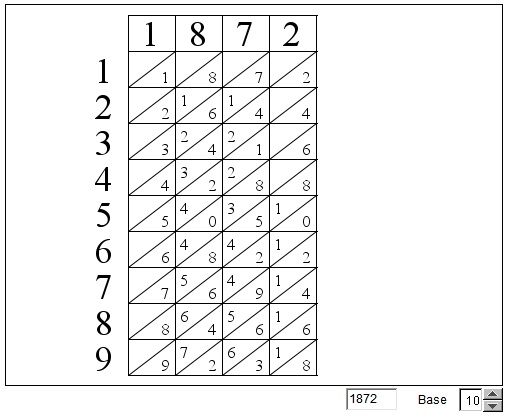
As an example, to access the Java applet once used in Napier Bones in Various Bases, a look at the page source gives a line applet code='Napier'. The classes directory has Napier.zip. Running that Java code should give an image like the following:
---- (Original text by Alex) ----
At this point in time no browser on my computers runs all Java applets, except for IE 11 that performs that feat, provided the applets are signed. I have purchased a code signing certificate that affirms that the signed applets from this site could not cause any harm on host computers. However, only a few applets have been signed so far.
I am working on resolving that problem. Any help would be appreciated.
While a good deal of the site has lost its interactivity, most pages remain interesting and informative, whereas many others that do not use Java, are still interactive.
The situation is unfortunate for which I am deeply sorry.

74331182 |
Copyright © 1996-2018 Alexander Bogomolny |